Electronic Signature Software for Lawyers
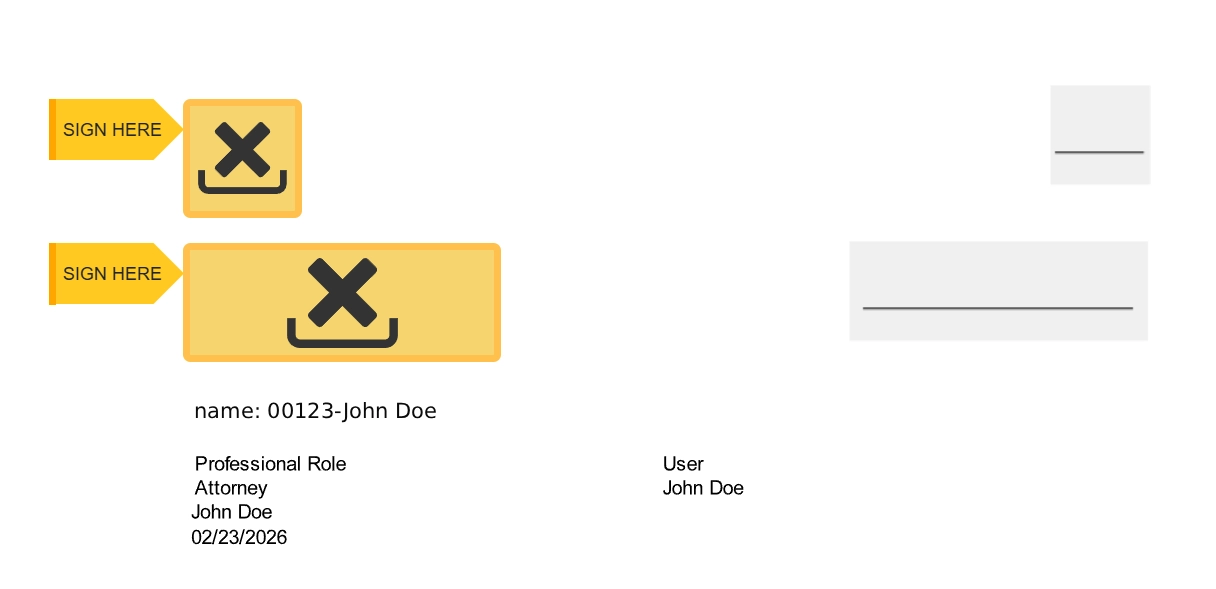
Maatdesk is electronic signature software for lawyers, built into your legal practice management software rather than bolted on. Send retainer agreements, engagement letters and settlement agreements for signature straight from the matter, place the attorney signature and client signature fields, and track every request from sent to fully signed, with the signed copy stored back on the case file. Signatures are legally binding under the ESIGN Act and UETA, unlimited, and carry no per-signature fees and no separate DocuSign or Adobe Acrobat Sign subscription. Electronic signature software for lawyers lets a law firm send a legal document for signature and have the client and the attorney sign it with a digital signature, with no printing, scanning or mailing. In Maatdesk it is not a separate product. E-signature is built into the same legal practice management software that holds the matter, so the document is prepared, sent, signed, tracked and stored in one place, by the people already working the file in your legal case management software. In practice that is five steps: prepare, send, sign, track, store. The section How Electronic Signatures Work in Maatdesk walks through each one, from the Word or PDF document on the matter to the signed copy stored back on the case file. The commercial position is just as simple. Electronic signatures are included with Maatdesk. Your firm does not need a separate DocuSign or Adobe Acrobat Sign subscription, signature requests are unlimited, and there are no per-signature or per-envelope fees, whether you send a handful of documents a month or manage a high volume of client paperwork. You should not have to assemble multiple software products to manage a single client document. Maatdesk states the limits plainly. Documents must be in Word or PDF format and carry the signature merge fields; the matter needs a responsible attorney assigned; and the client needs a primary email address on file. Those are the three things the signing process depends on, and every one of them is already part of a properly set-up matter. Electronic signatures are legally binding under the ESIGN Act and UETA. Every signed document carries a tamper-evident audit trail recording signer identity, email verification, IP address, timestamps and signing activity, exportable as a PDF for the record. Retainer agreements, engagement letters and settlement agreements are sent from the matter, and the signed copy is stored back on it automatically. Legal document management and e-signature share one record, with no downloading from one system and re-uploading into another. Electronic signature software for lawyers, built into Maatdesk. Send as many signature requests as your firm needs with no per-envelope charges and no separate DocuSign or Adobe Acrobat Sign subscription. One platform, one workflow. Recipients open a secure link from their email and sign from a phone, tablet or desktop, with no account to create and no software to download. Most documents come back signed in minutes rather than days. Generate documents from templates with merge fields, then place the attorney signature and client signature fields where each party needs to sign, initial or enter information. Word and PDF documents are supported. Every signature request shows its status inside Maatdesk, from request sent to partially signed to fully signed, so your team knows what is outstanding without leaving the legal case management workflow. Five steps, none of them in another application. This is the electronic signature workflow a Maatdesk user follows from a document on the matter to a signed copy stored on it. Choose the Word or PDF document that needs a signature, from the matter's Documents tab or from the Signature Documents menu, and keep it connected to the client and matter it belongs to. Documents generated from templates arrive with their merge fields already in place. Place the attorney signature field and the client signature field where each party needs to sign, initial or enter information. One document can carry both. Click Request Signature. The document is emailed to the client's primary address, shared to the Client Portal, and flagged with a signature-required badge on the record. No second application opens. The client opens a secure link and signs from a phone, tablet or desktop with no account and no download. The responsible attorney signs the same document from inside Maatdesk. The record moves from request sent to partially signed to fully signed. The completed document, with its audit trail, is stored automatically in legal document management on the matter, ready to retrieve whenever it is needed. Almost every client or matter document a law firm produces can be signed electronically in Maatdesk. Three moments in a matter where that changes the pace: The engagement letter, the retainer agreement, the fee agreement and the intake forms go out the moment the matter is opened, from the matter itself. A new client signs from their phone the same day rather than after a print, sign and scan round trip, and the signed retainer is on the file before the first time entry. Client authorizations, consent forms, releases and waivers, and contracts are sent as the work requires them. Each request shows its status on the document record, so the team can see what is still outstanding without chasing by email, and each signed copy lands on the matter automatically. Settlement agreements, legal service agreements and, where the court permits, court-related documents are completed and stored with their audit trail attached. When a signed settlement is needed later, it is on the matter, not in a separate e-signature account. Every one of these is sent from the matter and stored back on it. Many law firms pay separately for practice management software and for electronic signature services. Maatdesk brings both together, and the difference shows up on the invoice as well as in the workflow. For how envelope caps and overage charges add up, see our guide to e-signature cost for law firms. For the total cost of legal software, see how much legal practice management software costs. A standalone e-signature tool sits outside the matter. The document leaves the practice management software to be signed, comes back as an email attachment, and someone uploads it by hand; somewhere in that chain the signed copy, the audit trail or the matter it belongs to goes missing. Maatdesk keeps the electronic signature process inside the same platform the firm uses to manage clients and matters. The signed document lives in legal document management on the matter, alongside the rest of the file: encrypted, connected to the client and matter, and retrievable for compliance, review or production without opening a second account. It is the same document management system that holds every other file in your legal case management workflow, so a colleague picking up the matter finds the signed retainer where they expect it. Every signature carries the tamper-evident audit trail described above, and that record is what supports enforceability under the ESIGN Act and UETA. It is attached to the document rather than held in a third-party account your firm may one day cancel. Access follows the matter. The client sees the document on the Client Portal and receives it by email; the responsible attorney signs and tracks it inside Maatdesk; and the document record shows a signature-required badge until the last party has signed. Nothing about who can see a document changes because it was sent for signature. Stop paying for a separate e-signature platform. With unlimited electronic signatures built into Maatdesk, your firm prepares the document, sends it for signature, monitors its progress and keeps the completed version on the matter, all from one place, while avoiding per-signature fees and unnecessary subscriptions. That is legal practice management with unlimited electronic signatures included. No DocuSign subscription. No Adobe Acrobat Sign subscription. No per-signature fees. Unlimited electronic signatures are included in the Maatdesk 12-month free trial, alongside legal case management, legal billing and time tracking. Forty seconds on what the trial covers: Electronic signature software for lawyers lets a law firm send legal documents for signature and have clients and attorneys sign them digitally, with no printing, scanning or mailing. In Maatdesk the e-signature tool is built into the legal practice management software, so a document is prepared, sent, signed, tracked and stored inside the same matter record, and every signature is legally binding under the ESIGN Act and UETA. Yes, Maatdesk includes unlimited electronic signatures, built directly into the legal practice management software. Your firm can prepare a document, send it for signature, monitor its progress and keep the completed version on the matter, all from one platform, without a separate e-signature subscription or a second login. Yes, electronic signatures are legally binding in most jurisdictions, including under U.S. law through the ESIGN Act and UETA, provided the compliance requirements are met: intent to sign, consent to do business electronically, and a record of the signing. Every document signed in Maatdesk carries an audit trail that supports enforceability. Yes, documents signed through Maatdesk are protected by encryption and secure access controls, and every signature carries a tamper-evident audit trail recording signer identity, email verification, IP address, timestamps and signing activity. The completed document is stored within Maatdesk's document management system, connected to the client and matter. Virtually any client or matter document can be signed electronically in Maatdesk: retainer agreements, engagement letters, fee agreements, settlement agreements, releases and waivers, intake forms, consent forms, client authorizations, NDAs, legal service agreements, contracts and, where permitted, court-related documents. Documents must be in Word or PDF format. The e-signature process in Maatdesk has five steps. 1. Select or upload the Word or PDF document and keep it connected to the client or matter. 2. Add the signature fields where each recipient needs to sign, initial or enter information. 3. Send the signature request directly from Maatdesk; the client receives it by email. 4. Recipients sign digitally from any device. 5. Track the status from sent to fully signed, and the completed document is stored automatically on the matter. Maatdesk documents and templates use merge fields, including a dedicated attorney signature field and a client signature field. Place each one where that party needs to sign. When the request is sent, the client is notified by email and the responsible attorney can sign the same document from inside Maatdesk. The matter must have a responsible attorney assigned and the client must have a primary email address. No, clients do not need an account to sign: recipients review and sign documents instantly through a secure link sent to their email. No login, no account creation and no software download is required. Yes, the attorney and the client can sign the same document: a single document carries both an attorney signature field and a client signature field. Maatdesk shows the document as partially signed once either party has signed and as fully signed once both have, so it is always clear who still needs to act. Yes, every electronic signature request can be tracked inside Maatdesk, with a status of request sent, partially signed or fully signed. A badge on the document record flags that a signature is still required, so your team can see what is outstanding without leaving the matter. Yes, every document signed in Maatdesk includes a detailed audit trail showing signer identity, email verification, IP address, timestamps and signing activity to support legal enforceability. The audit log for a document can be exported as a PDF for the file. Yes, you and your clients can sign from a smartphone, tablet or desktop from anywhere. Maatdesk is a web app, so signing happens in the browser with nothing to install. Yes, signed documents are encrypted and stored within Maatdesk's legal document management system, connected to the client and matter, so they are easy to retrieve for compliance, review or production later. Yes, e-signature is integrated with your case files: signature requests are sent from the matter, and the signed copy is stored back on the same case or matter file automatically. Electronic signatures live inside the legal case management workflow your firm already uses, so there is no downloading from one system and re-uploading into another. Documents sent for electronic signature from Maatdesk are often completed within minutes. Because the request goes straight to the client's email and can be signed from any device, e-signature dramatically reduces turnaround time compared to paper workflows that can take days. Yes, electronic signatures are unlimited in Maatdesk: customers can send as many signature requests as they need, with no per-signature and no per-envelope fees. Whether your firm sends a few requests a month or manages a high volume of client documents, there are no additional envelopes to purchase and no signature limit to exceed. No, Maatdesk does not charge per signature; there is no fee each time a document is electronically signed. Electronic signatures are included as part of the Maatdesk platform, so a firm that sends a handful of signature requests a month pays exactly what a firm sending hundreds pays: nothing extra. No, your law firm does not need a separate DocuSign or Adobe Acrobat Sign subscription for documents managed through Maatdesk, because electronic signatures are built into the platform. The signature workflow, the signed copy and the audit trail all stay inside the platform your firm already pays for. Standalone e-signature tools create disconnected workflows: a document is sent through one system, downloaded from another and manually uploaded into the practice management software. Built-in electronic signatures keep the whole process inside your legal practice management software, which reduces software subscriptions, eliminates platform switching, improves document organization and keeps signature activity on the client and matter record. The best electronic signature software for lawyers is the one that lives inside the system where the matter already is. Judge it on whether it sends from the matter and stores the signed copy back on it, whether it has dedicated attorney signature and client signature fields, whether it provides an audit trail that supports enforceability under the ESIGN Act and UETA, whether clients can sign from any device without an account, and whether signatures are unlimited rather than metered per envelope. Maatdesk is built to meet all five. Our guide on how to choose electronic signature software for lawyers lists the seven questions to ask every provider.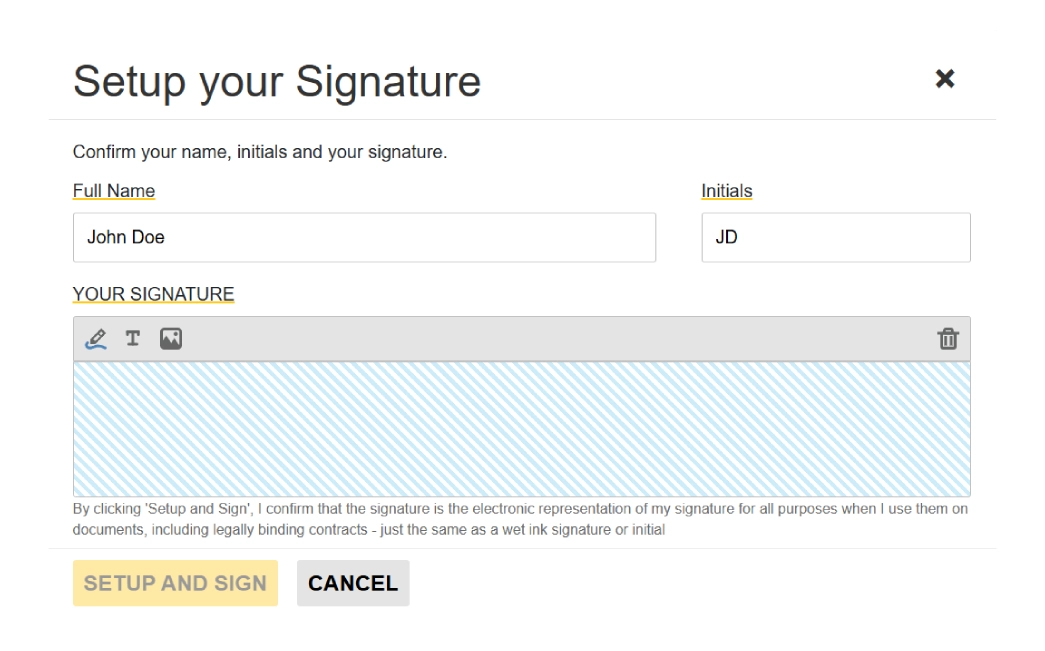
What Is Electronic Signature Software for Lawyers
and Why Built-In Matters?Unlimited Electronic Signatures Built Into Your Legal Practice Management Software
Legally Binding, Court-Admissible Signatures
Connected to the Matter File
Unlimited Signatures, No Per-Signature Fees
Clients Sign from Any Device
Attorney and Client Signature Fields
Real-Time Signature Tracking
How Electronic Signatures Work in Maatdesk
Prepare and send
1. Select or upload the document
2. Add the signature fields
3. Send the request from Maatdesk
Sign, track and store
4. Recipients sign from any device
5. Track the status and keep the copy
Retainer Agreements, Engagement Letters and Settlement Agreements, Signed from the Matter
Intake
During the matter
Resolution
Replace DocuSign and Adobe Acrobat Sign Subscriptions with Unlimited E-Signatures
What your firm stops paying for
What your firm gains
Legal Document Management and E-Signature
in One Matter RecordSimplify Your Firm's Document Workflow with Unlimited Electronic Signatures
Electronic Signature FAQs for Law Firms